> ## Documentation Index
> Fetch the complete documentation index at: https://doc.chathub.gg/llms.txt
> Use this file to discover all available pages before exploring further.
# Image Generation
There are two ways to generate images in ChatHub:
1. Use the [Image Generator](https://app.chathub.gg/image-generator) tool
2. Ask models to generate images in chat
## Image Generator
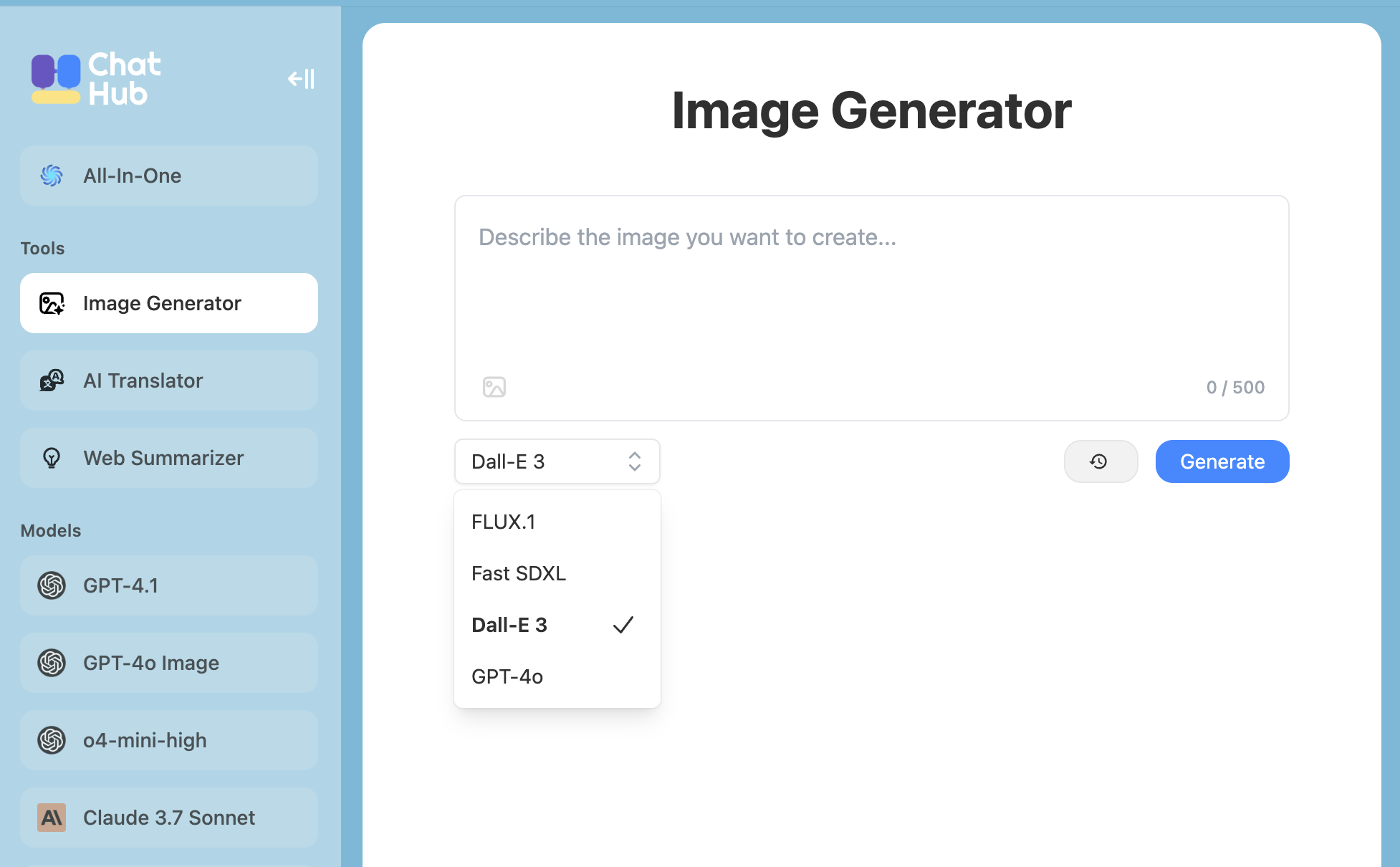
The [Image Generator](https://app.chathub.gg/image-generator) is a tool that allows you to generate images with various image models.
Supported models:
* Flux.1 Kontext (supports image editing)
* Fast SDXL
* Dall-E 3
* GPT-4o (supports image editing)
* Qwen-Image
* Google Imagen 4
* Recraft v3
 ## Image Generation in Chat
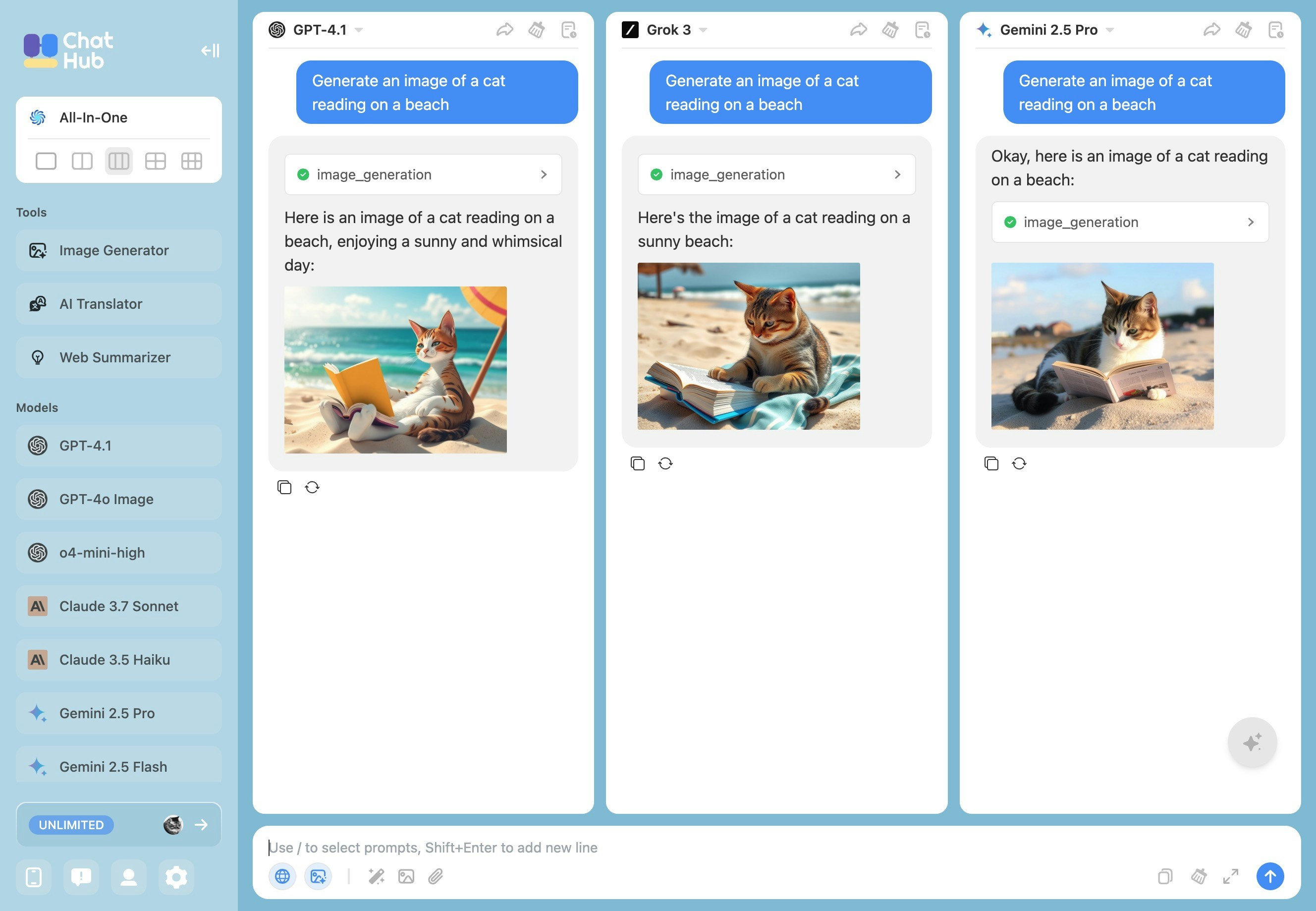
You can ask models to generate images in chat while chatting with them.
## Image Generation in Chat
You can ask models to generate images in chat while chatting with them.