> ## Documentation Index
> Fetch the complete documentation index at: https://doc.chathub.gg/llms.txt
> Use this file to discover all available pages before exploring further.
# Quick Start
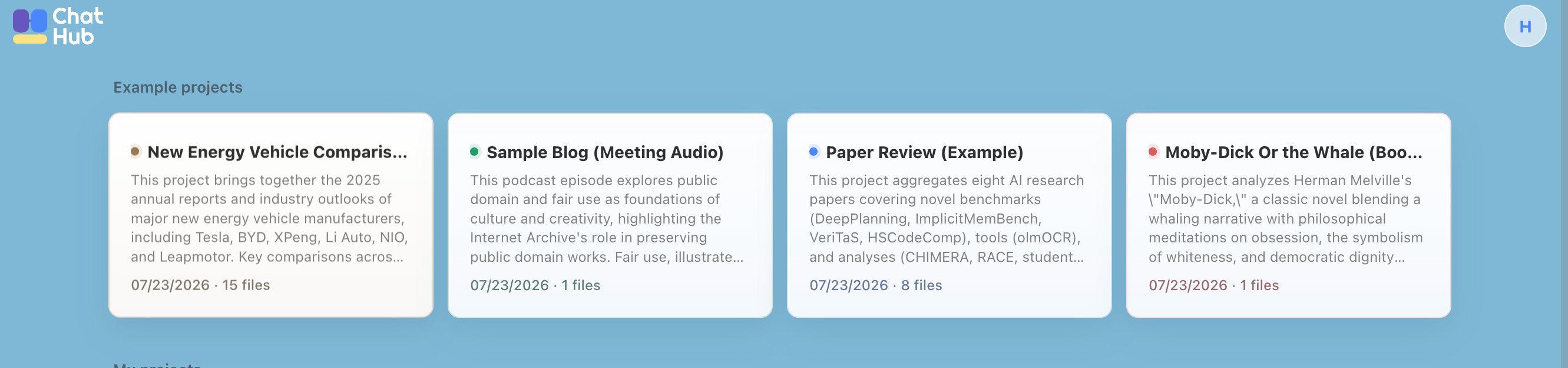
Explore the examples on the home page to quickly learn how Notebook works, or create a project of your own.
# Create First Project
## Sample Projects
The home page features examples for four common use cases to help you quickly explore Notebook’s core capabilities. When you select a sample project, a copy will be added to your personal workspace. You cannot upload your own files to sample projects, but you can explore the full experience, including chat and report export.
 ## Personal Project
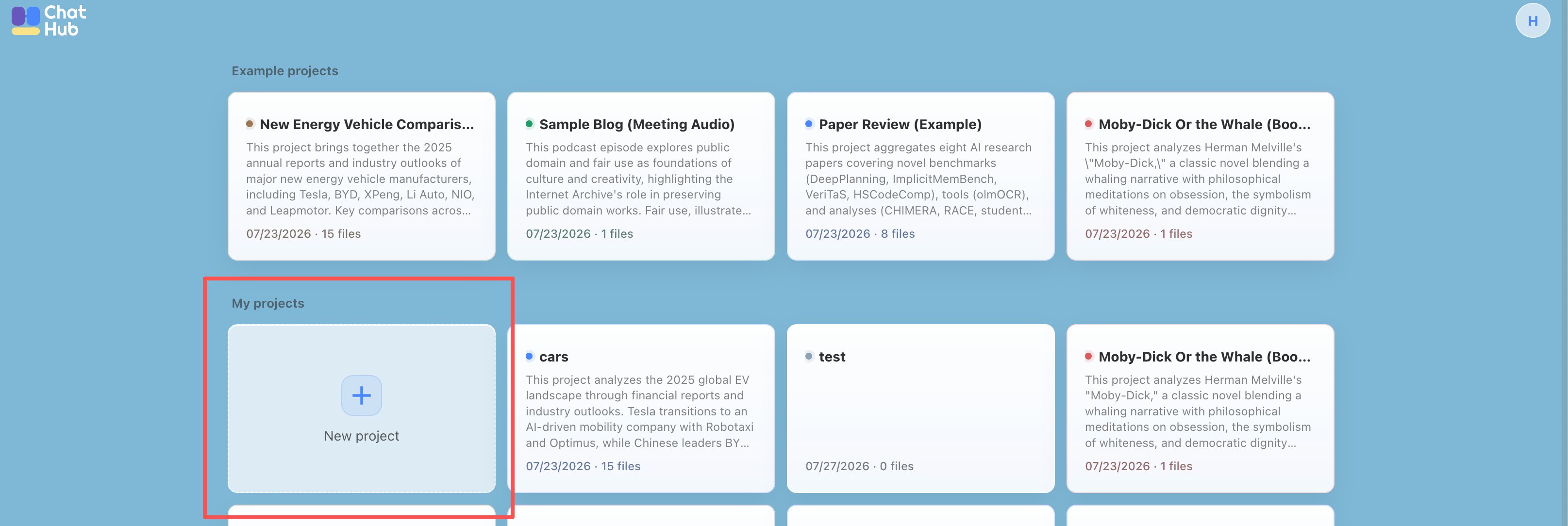
Click the “New Project” button on the home page to create a project.
## Personal Project
Click the “New Project” button on the home page to create a project.
 ## How to Use Notebook
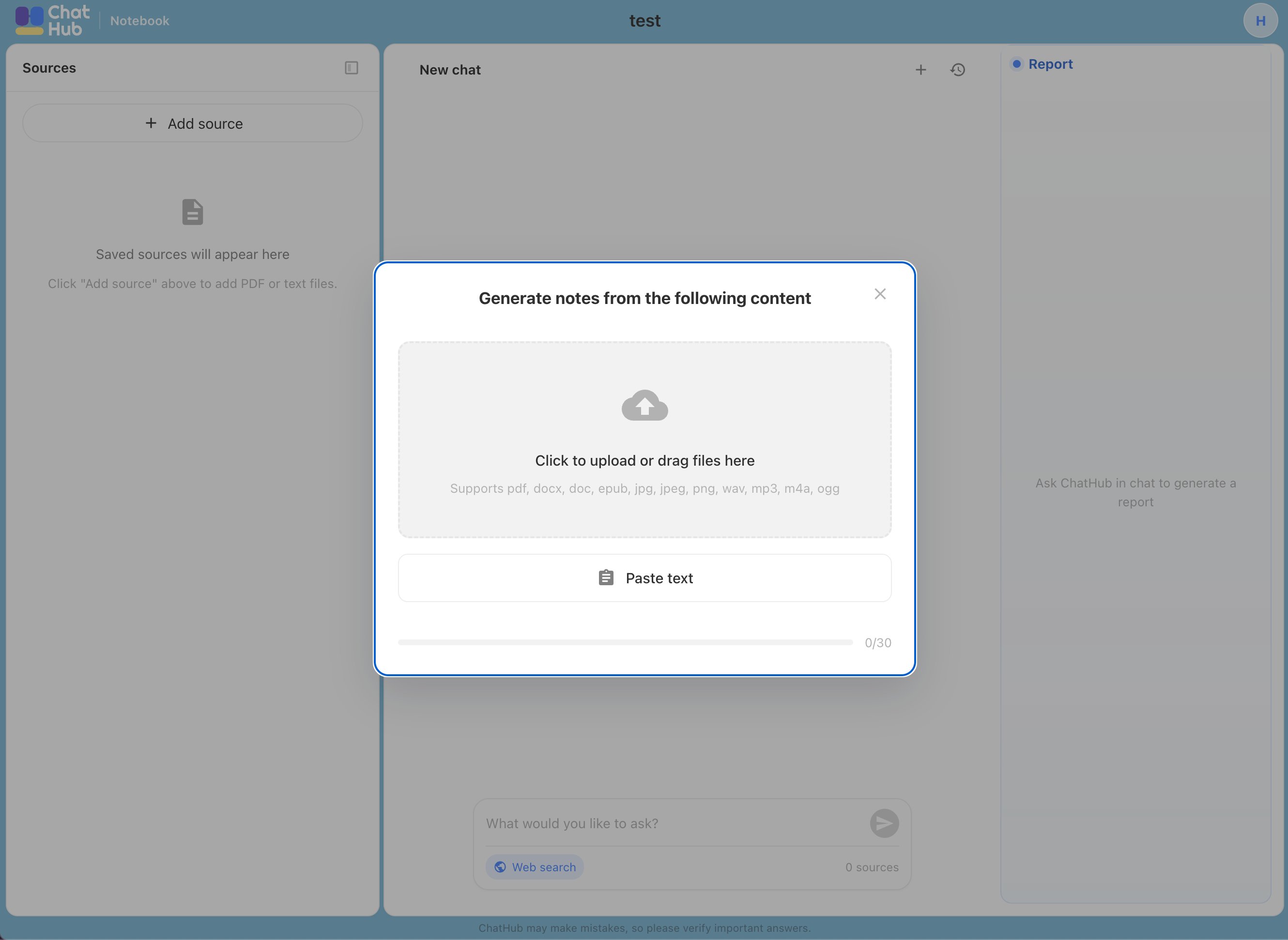
Upload your source materials, including PDFs, EPUB files, MP3s, and other supported formats.
## How to Use Notebook
Upload your source materials, including PDFs, EPUB files, MP3s, and other supported formats.
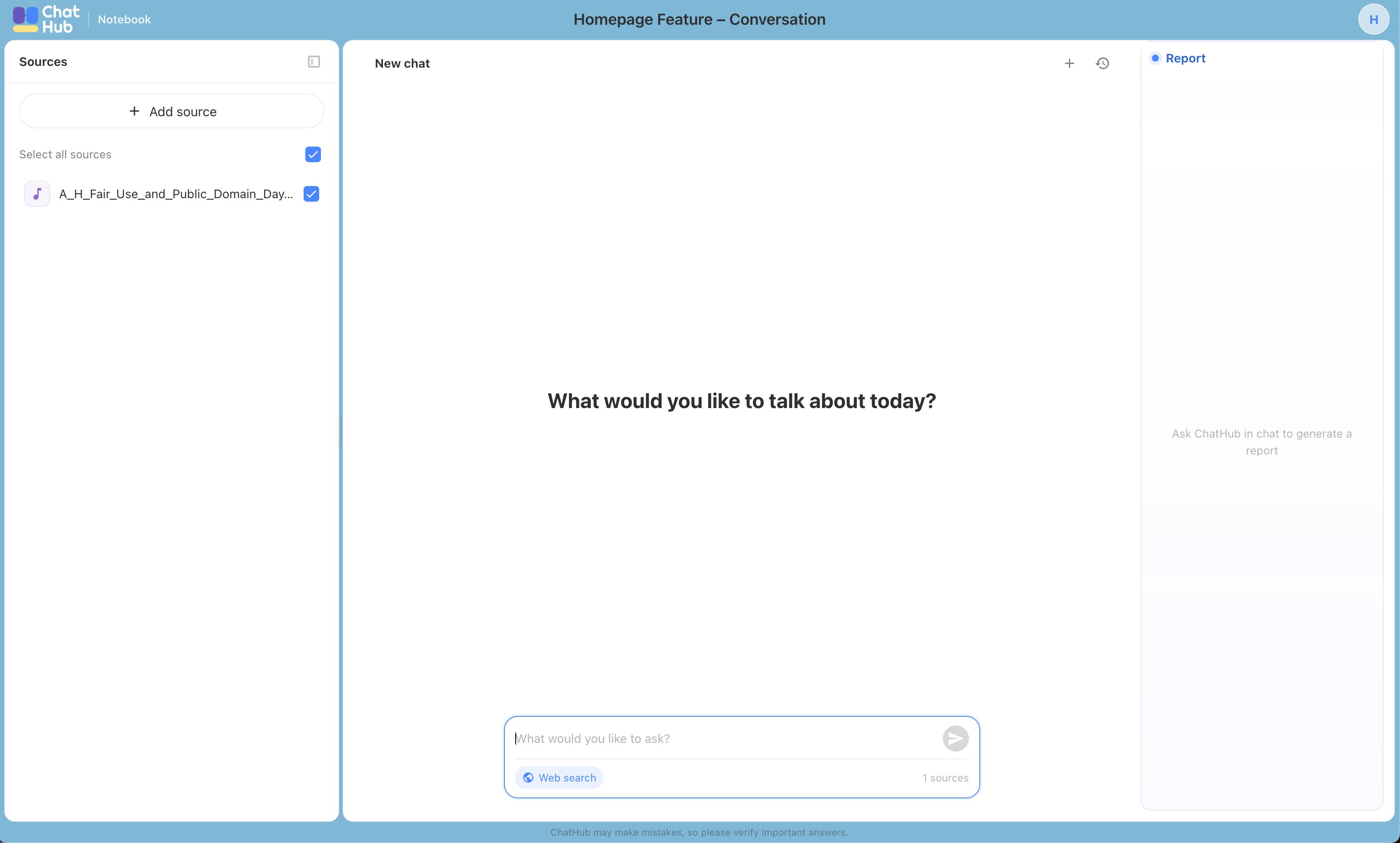
 You can then use natural language to ask anything about your source materials after waiting for a moment. You can also combine them with web search results—for example: “Search the web and provide a comprehensive analysis of \[topic].”
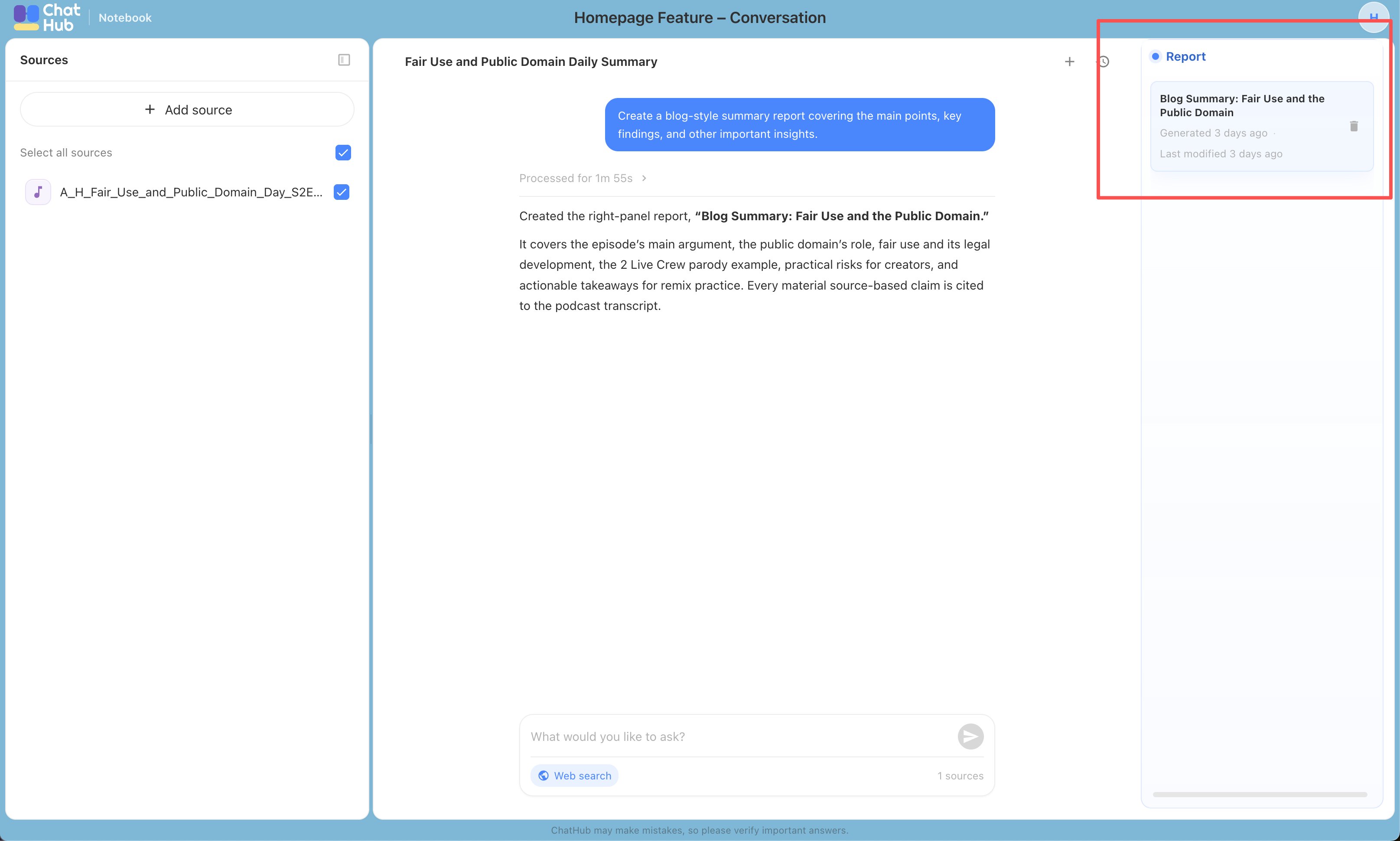
 When you want a report that you can save and refer to over time, ask the AI: “Create a comprehensive report on \[topic] for future reference.” The report will appear in the panel on the right.
 ## Source Attribution
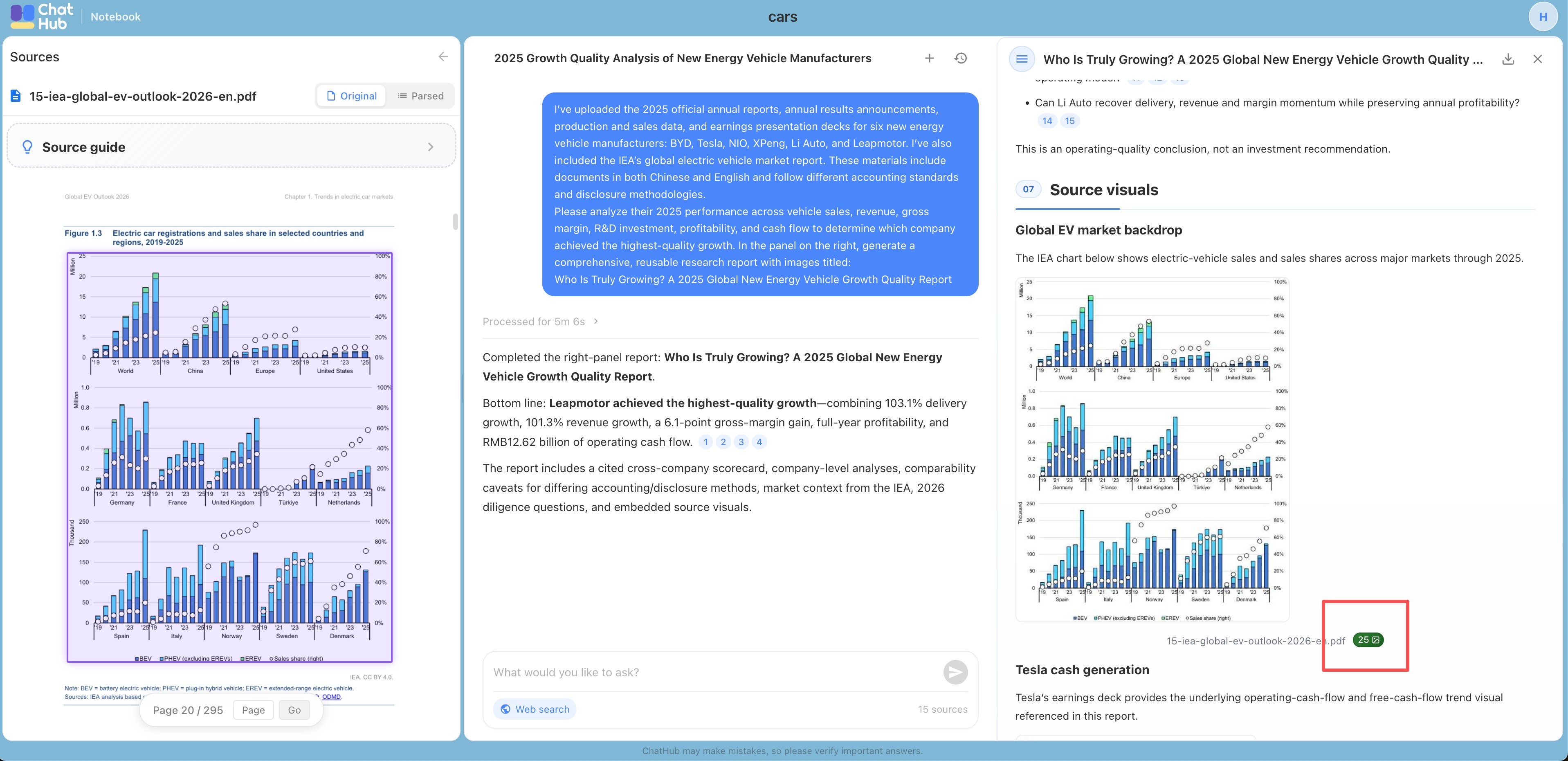
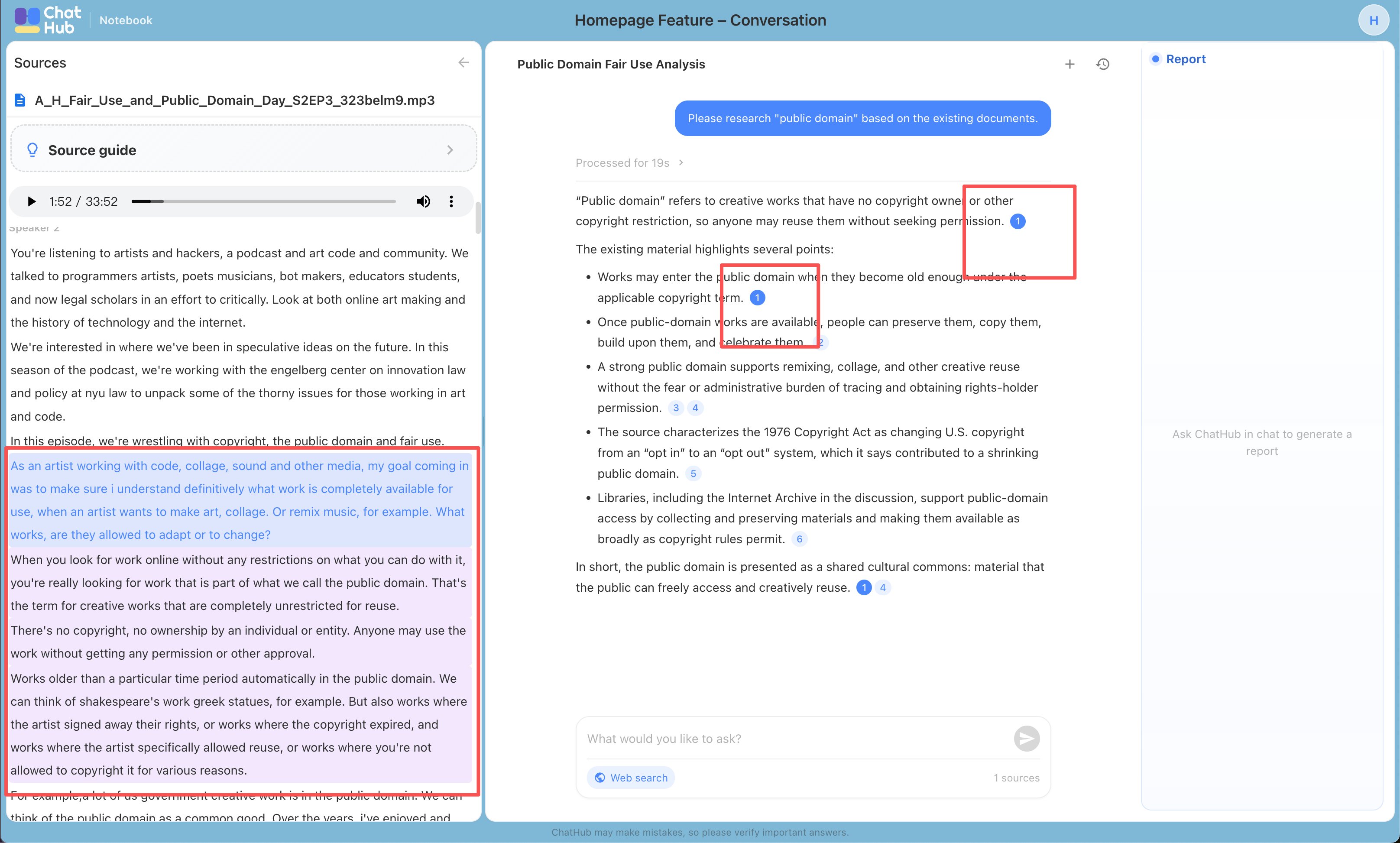
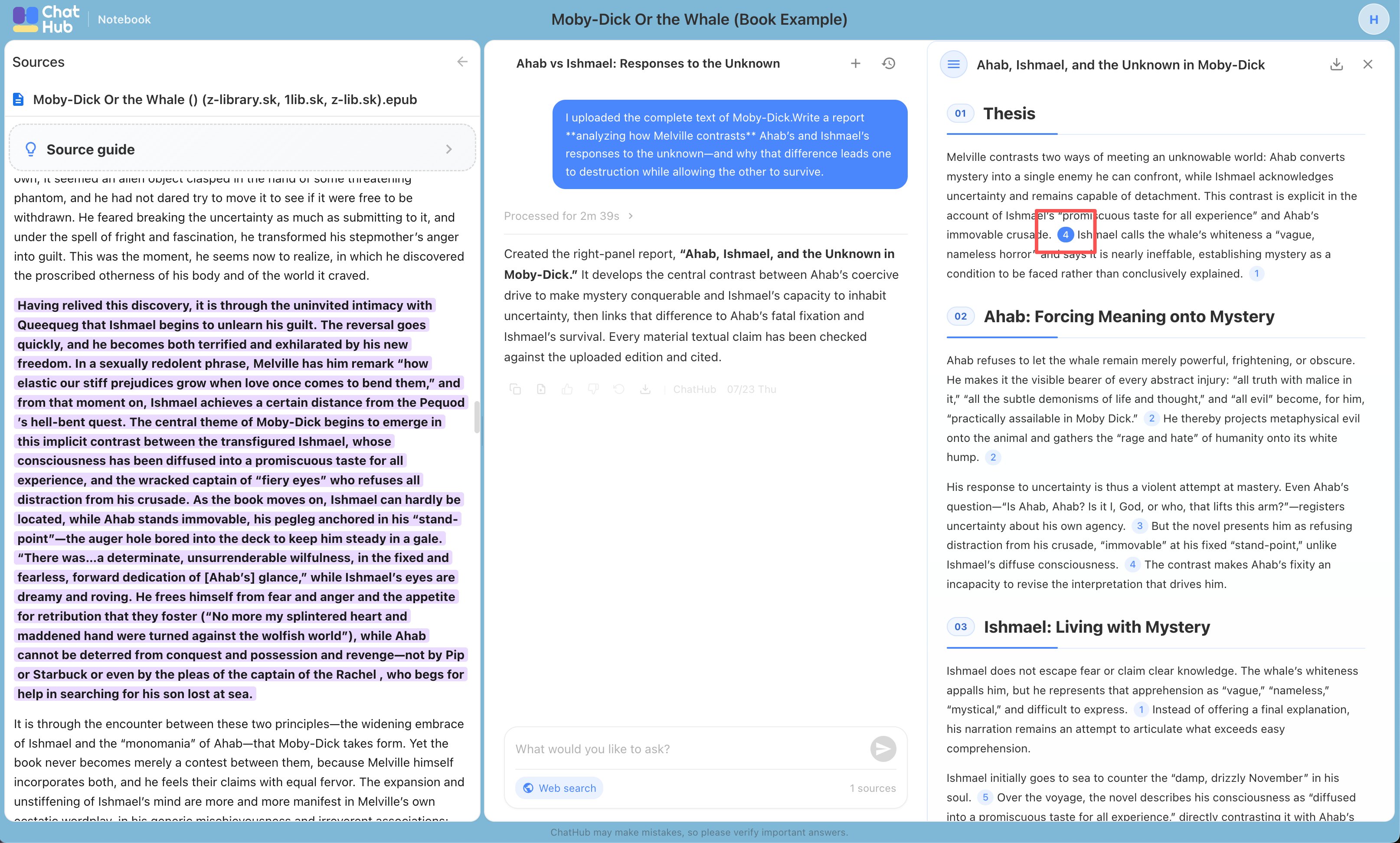
ChatHub Notebook adds citations to its answers and generated reports, showing which part of your source material supports each conclusion. Below are examples for different source types. You can review the cited passages to determine whether a conclusion is well supported.
## Source Attribution
ChatHub Notebook adds citations to its answers and generated reports, showing which part of your source material supports each conclusion. Below are examples for different source types. You can review the cited passages to determine whether a conclusion is well supported.
 If you run into any other issues, feel free to contact us via Discord or email. We’d love to hear your feedback.