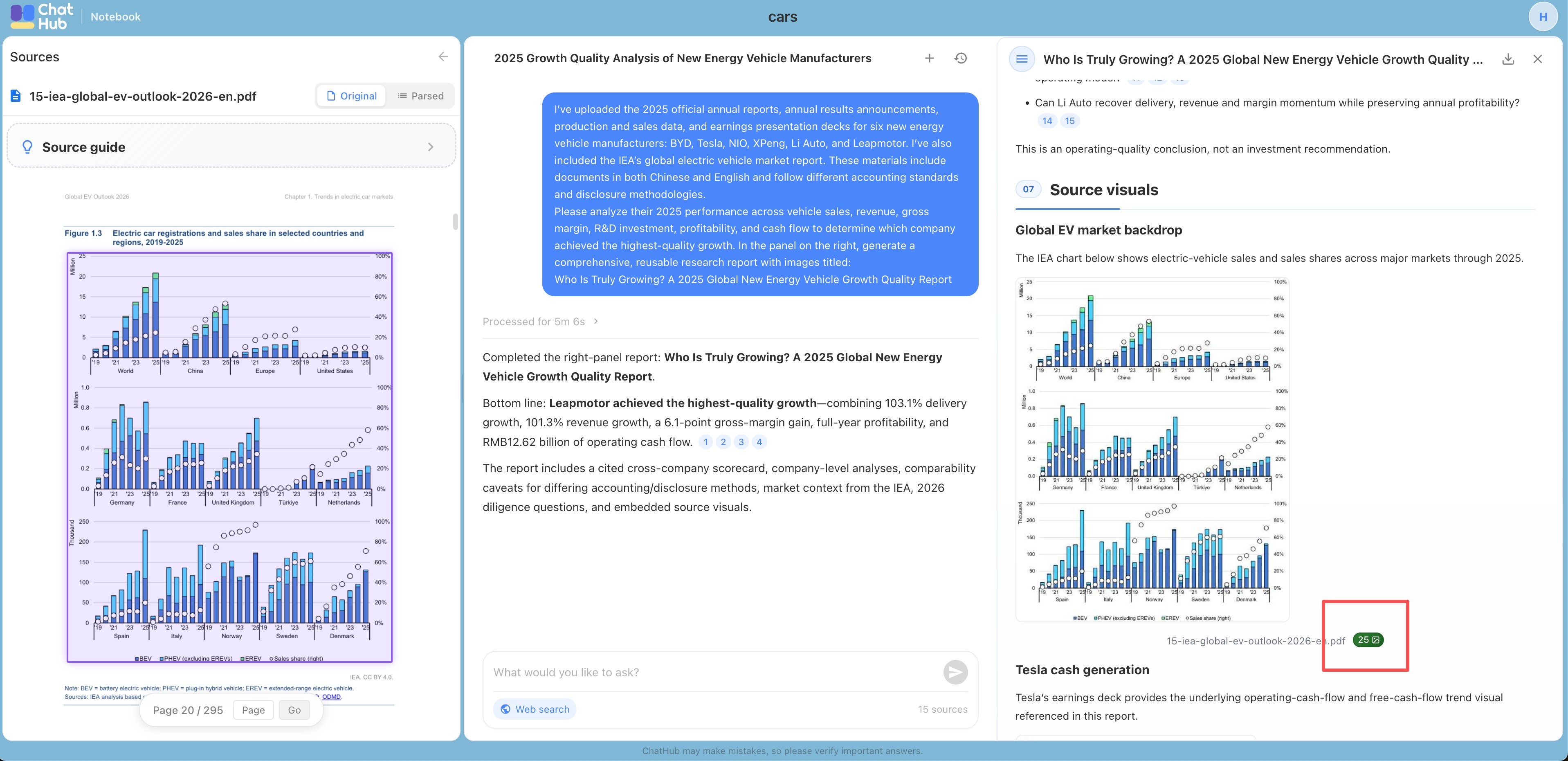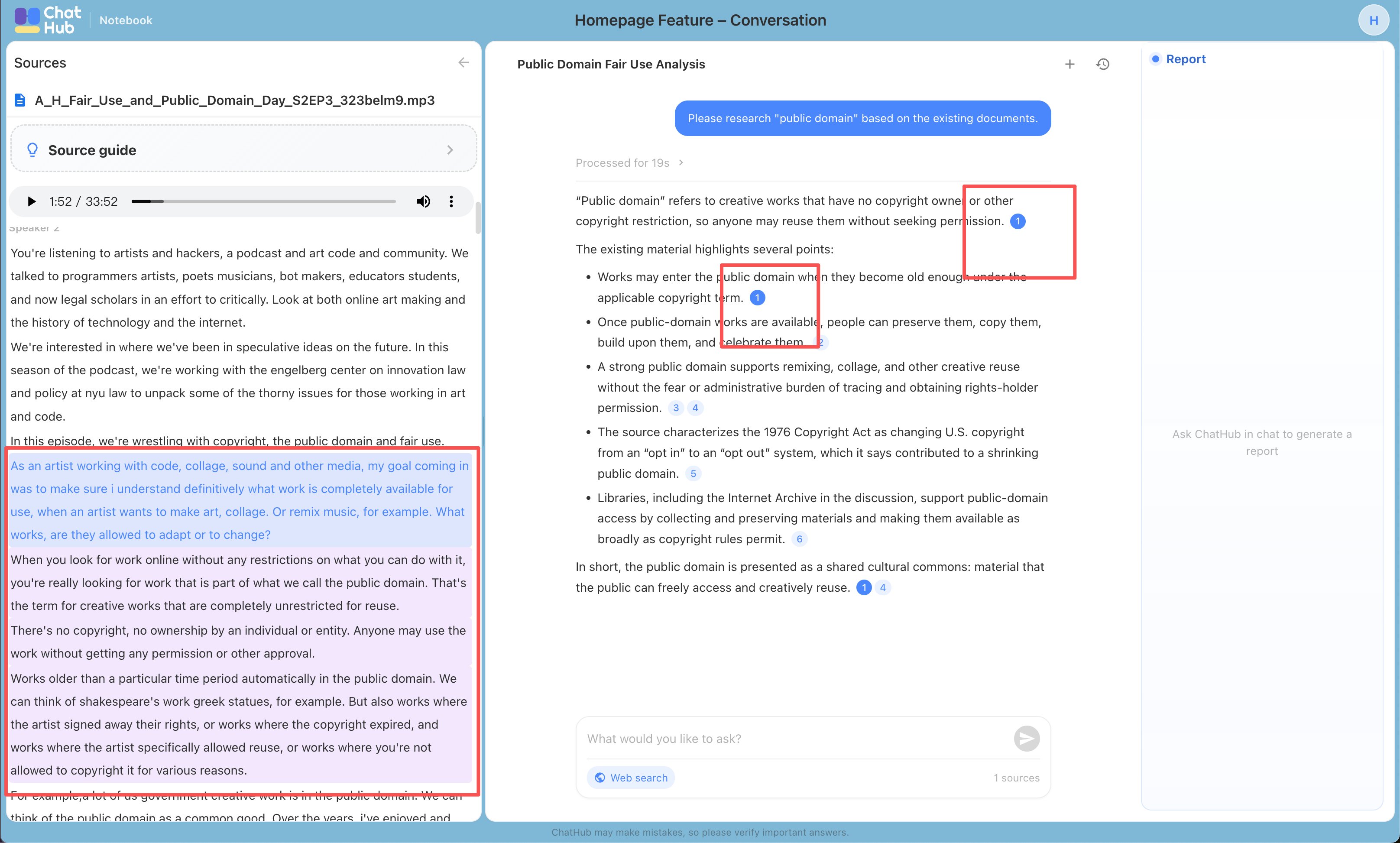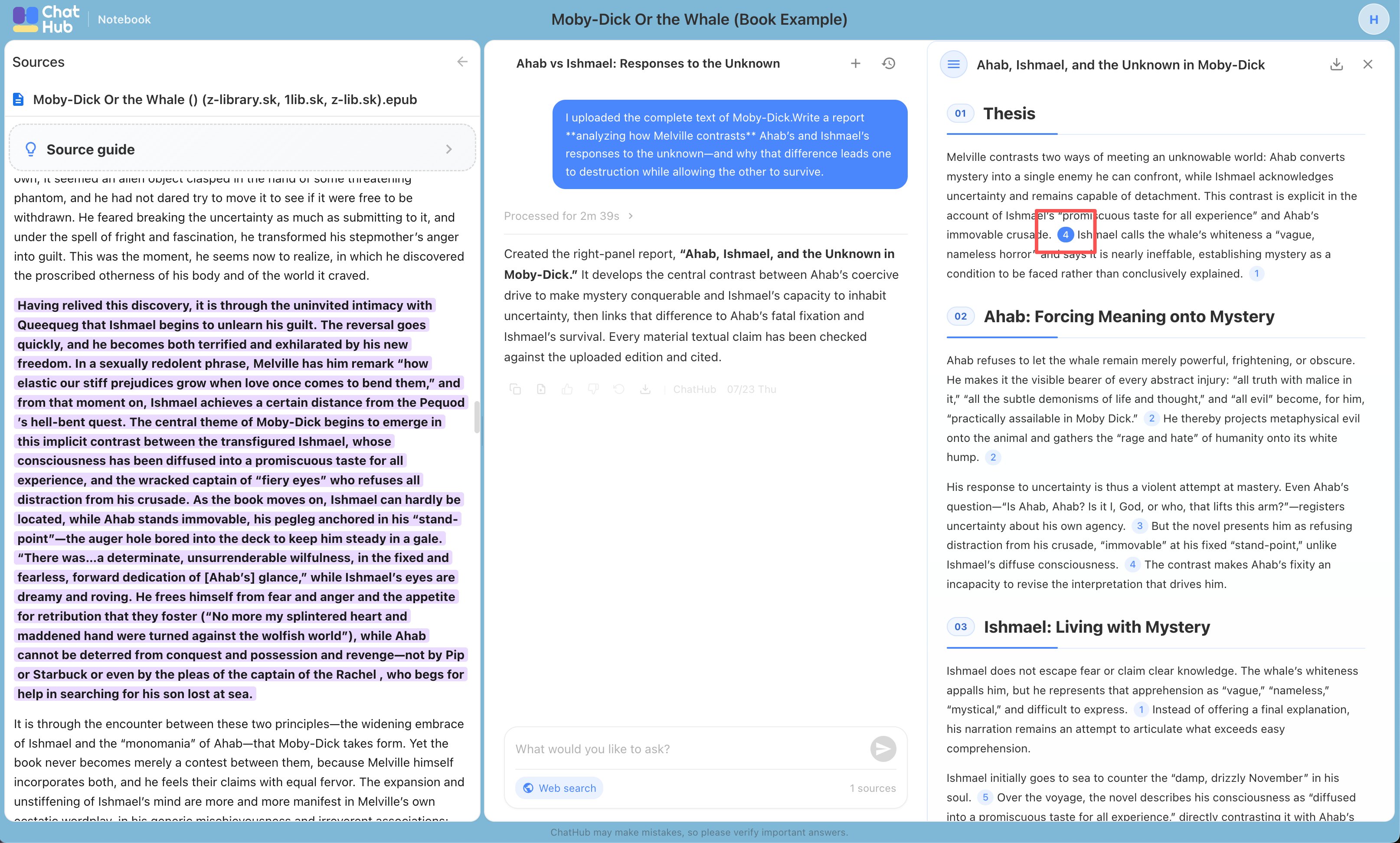
Create First Project
Sample Projects
The home page features examples for four common use cases to help you quickly explore Notebook’s core capabilities. When you select a sample project, a copy will be added to your personal workspace. You cannot upload your own files to sample projects, but you can explore the full experience, including chat and report export.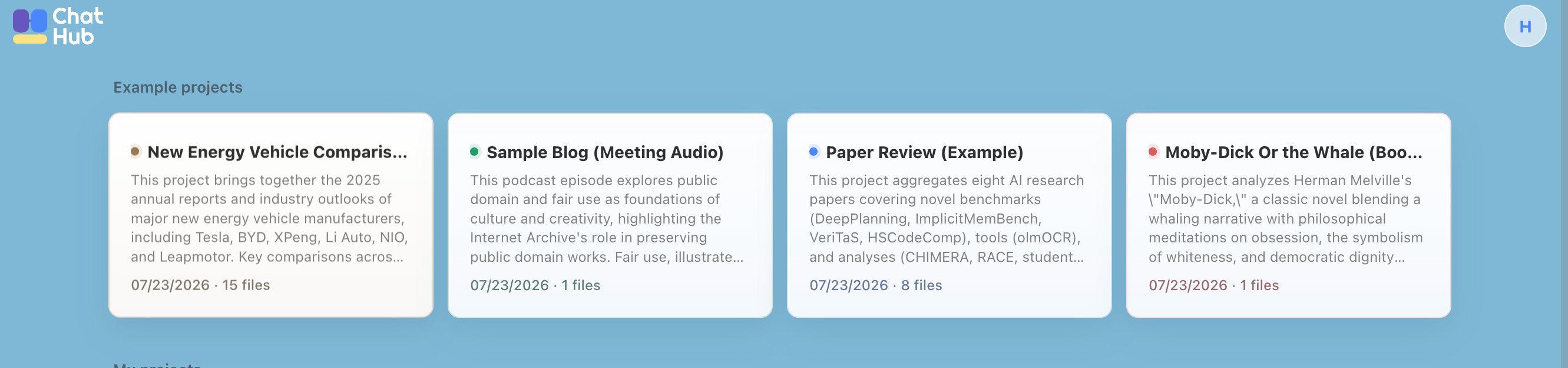
Personal Project
Click the “New Project” button on the home page to create a project.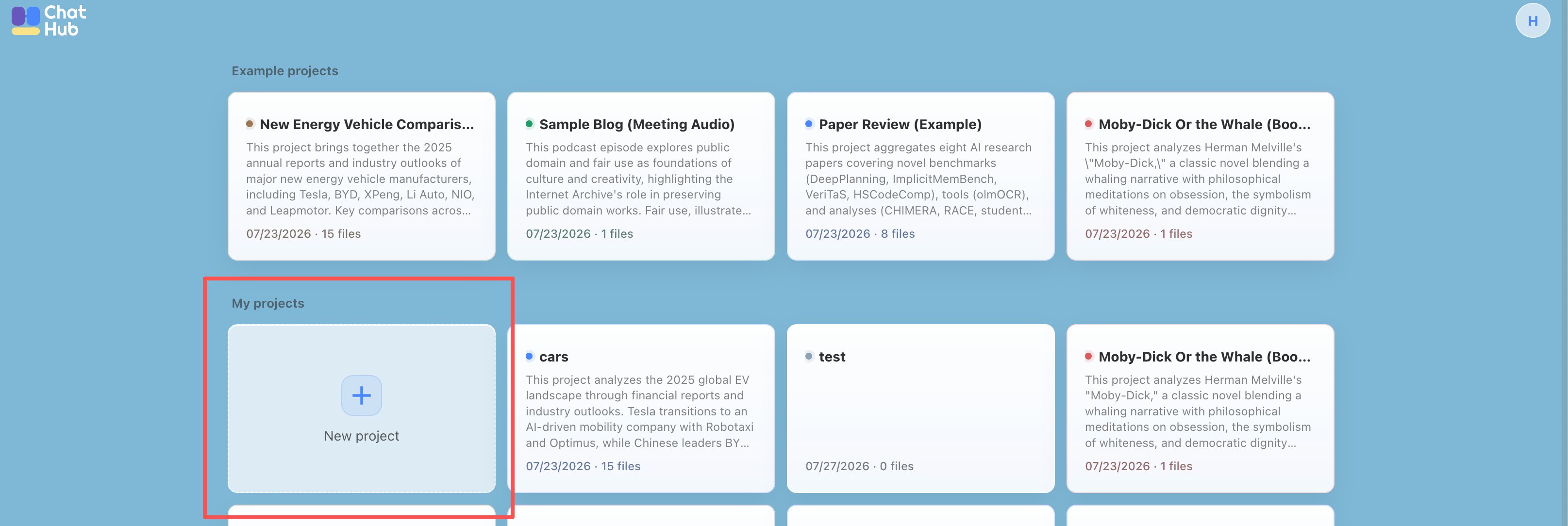
How to Use Notebook
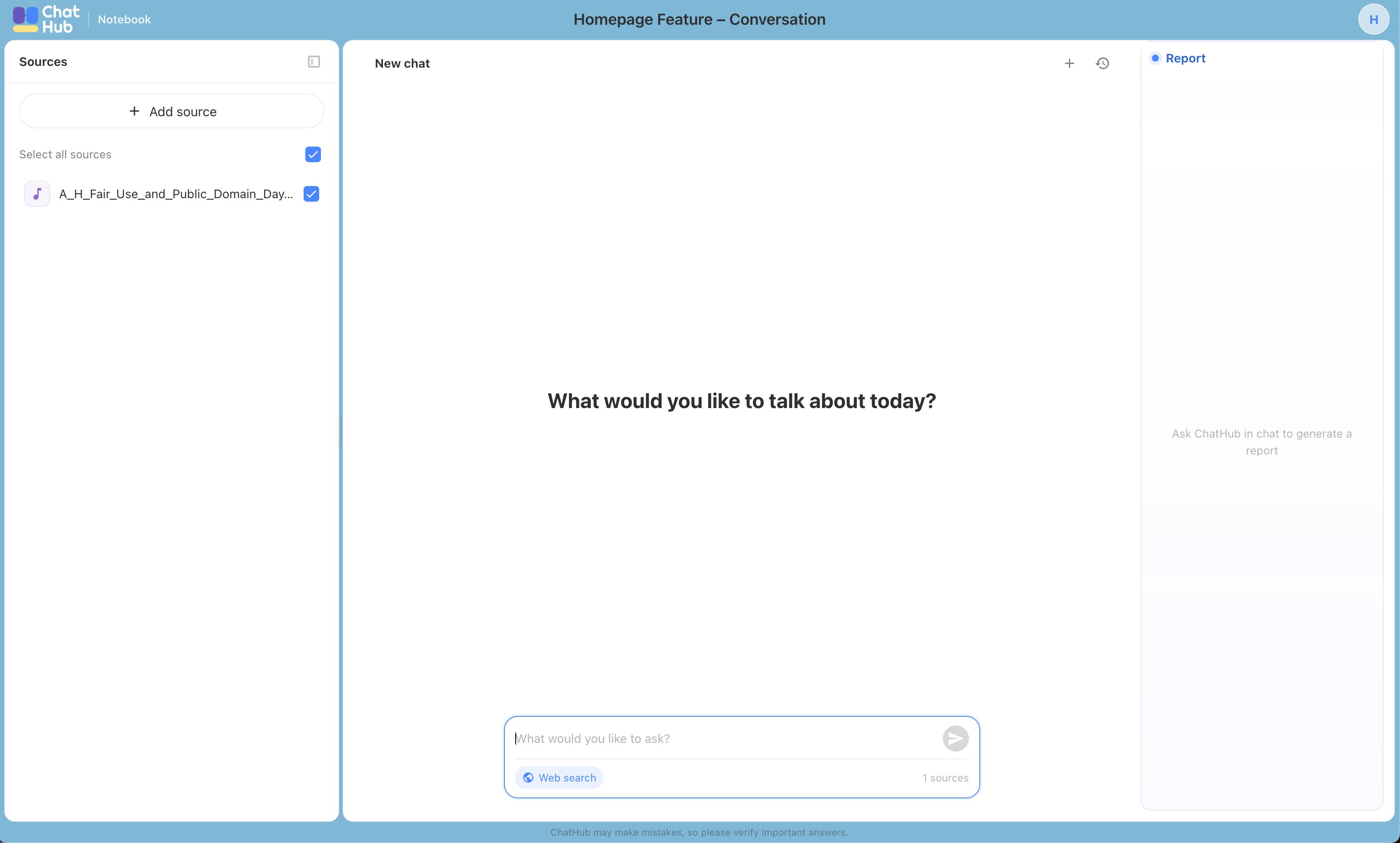
Upload your source materials, including PDFs, EPUB files, MP3s, and other supported formats.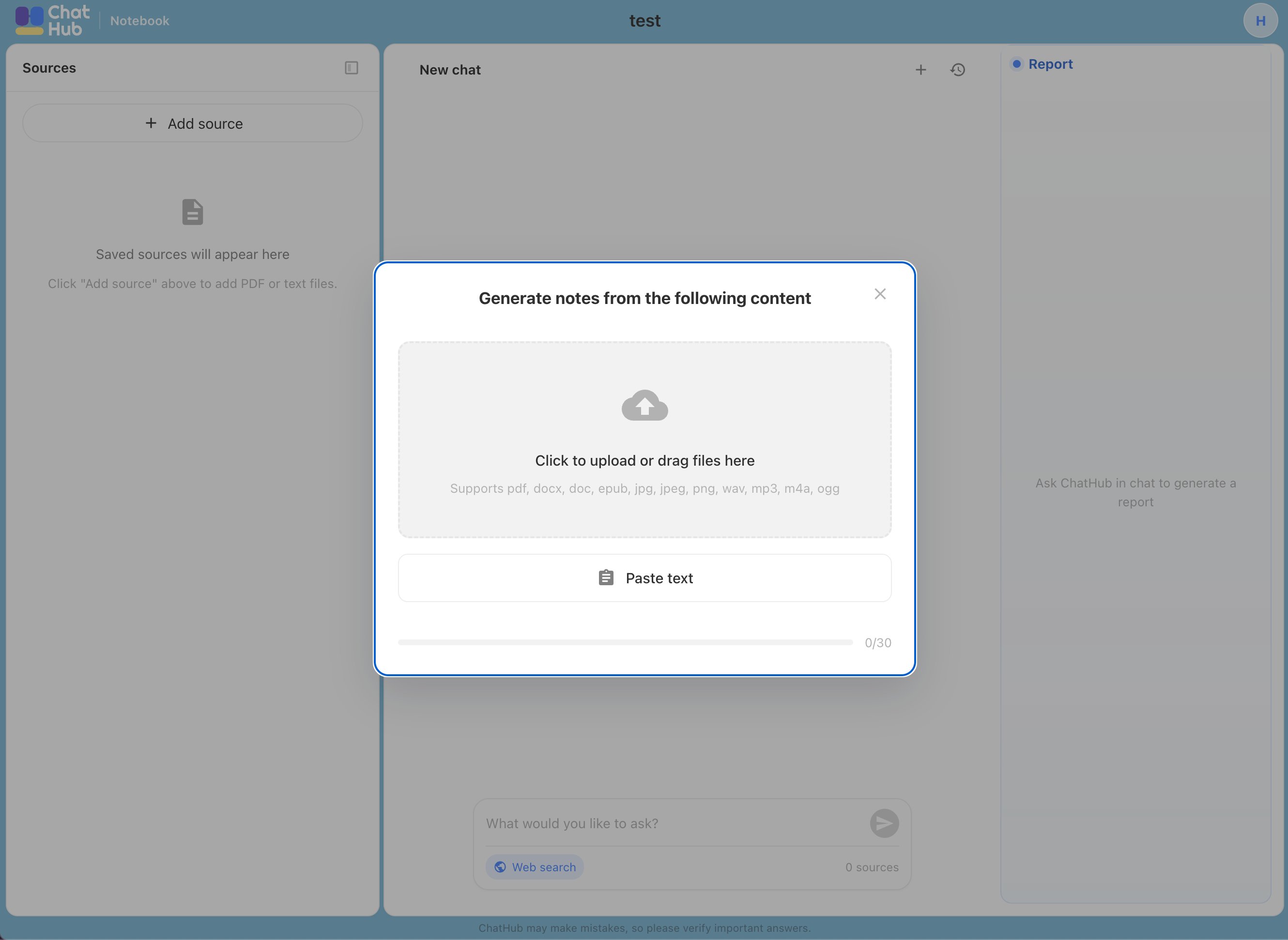
Source Attribution
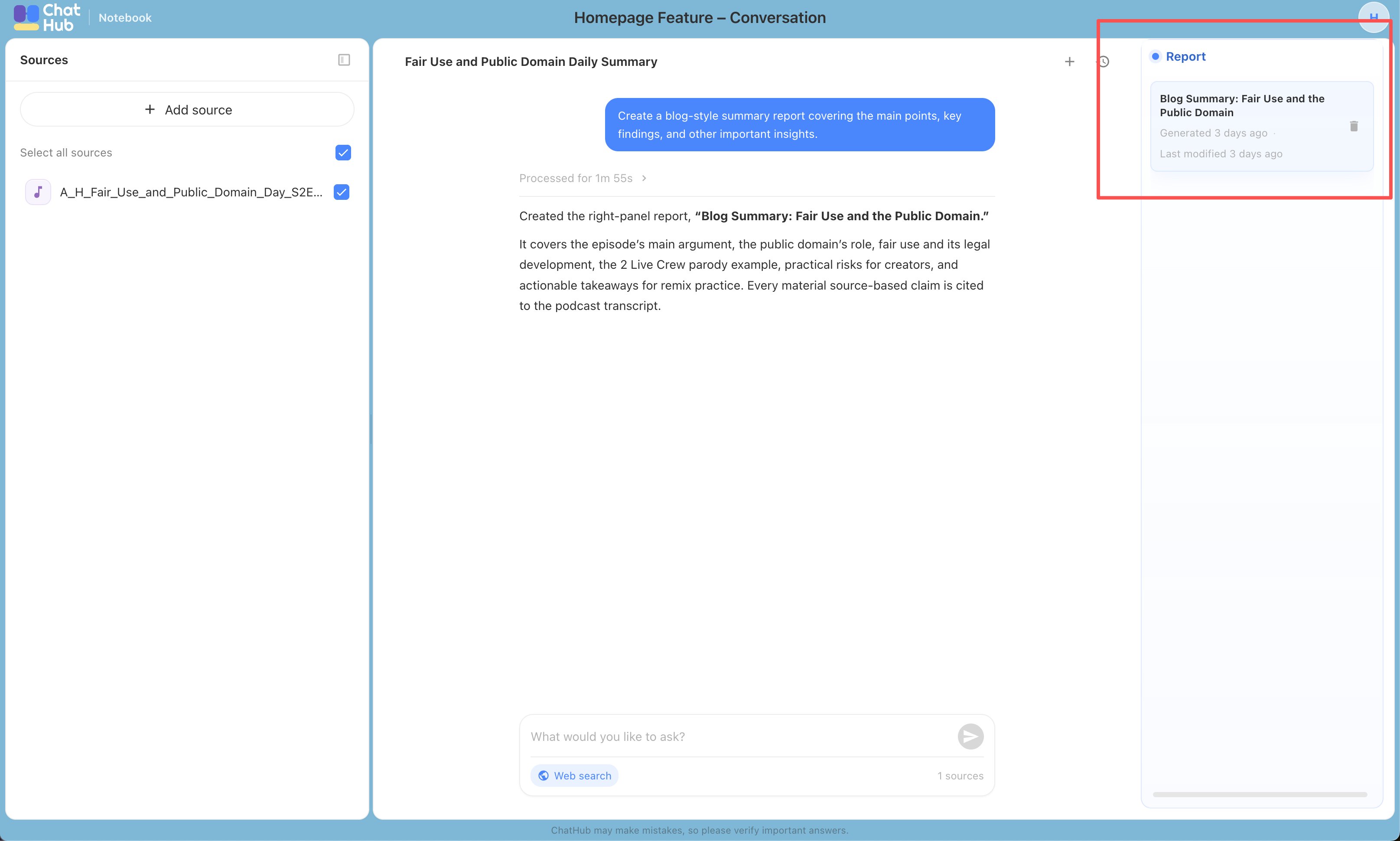
ChatHub Notebook adds citations to its answers and generated reports, showing which part of your source material supports each conclusion. Below are examples for different source types. You can review the cited passages to determine whether a conclusion is well supported.